

StickerCraft: Create Your Own Digital Planner Stickers
Original price was: $9.99.$7.99Current price is: $7.99.
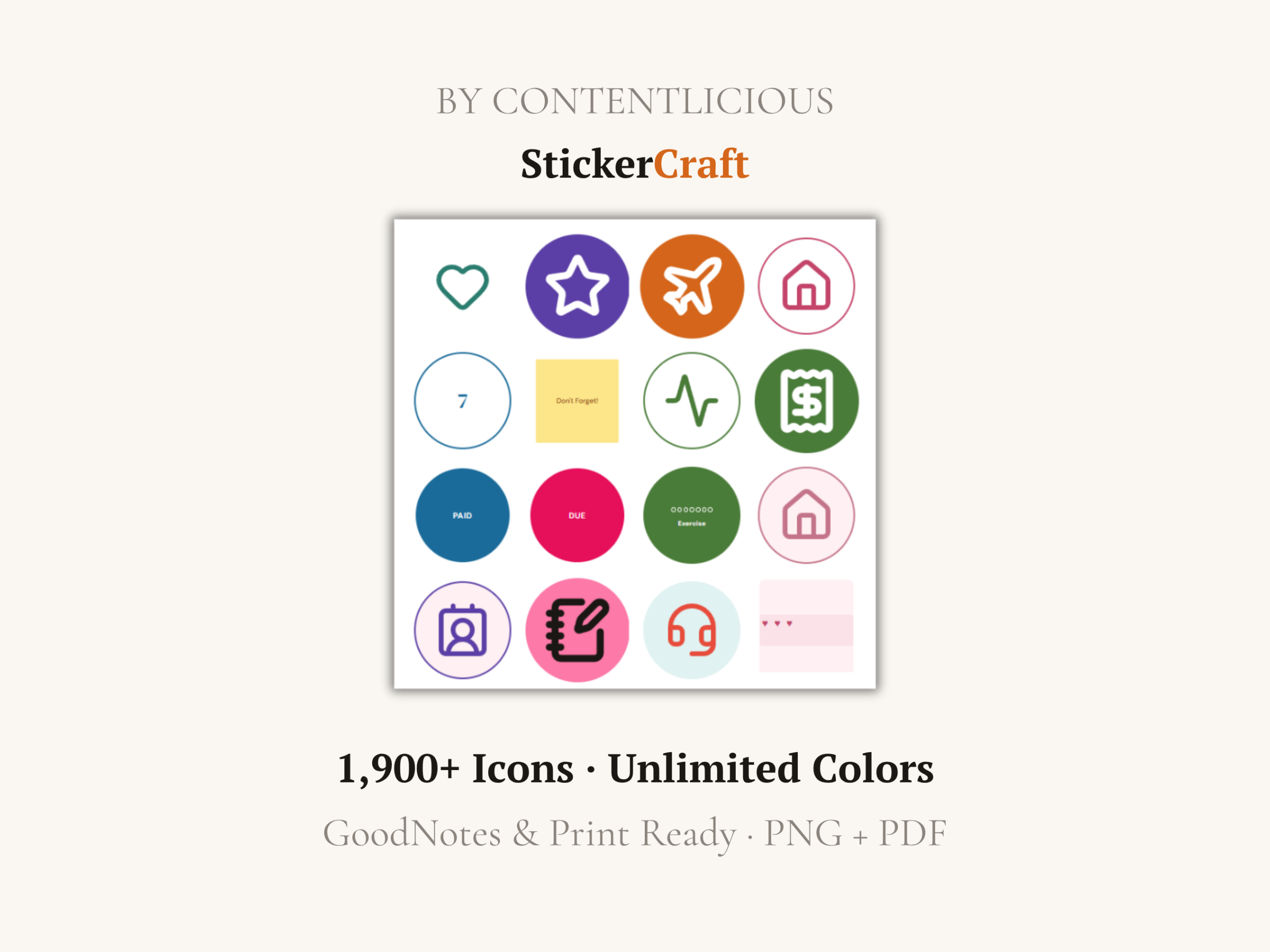
Design digital planner stickers that match your planner, instead of settling for premade packs. Choose from 1,900+ icons, customize every color, shape and label, then export transparent PNGs or print-ready PDF sticker sheets.
Make Digital Planner Stickers Your Way
Premade sticker packs lock you into someone else’s icons, colors and layouts. StickerCraft lets you create your own digital planner stickers with exactly the look and information you need.
Choose from more than 1,900 icons, add custom text, change colors and shapes, and arrange different sticker types on the same sheet. Export individual transparent PNG files for digital planning or download a print-ready PDF for physical sticker paper.
One purchase. Use it forever. Nothing to install.
Works With
- GoodNotes 5 and 6
- Notability
- Noteshelf
- Xodo
- OneNote
- Other PDF annotation apps on iPad and tablet
- Printable sticker paper for physical planners
What You Can Create
Icon stickers: Choose from 1,900+ icons across 13 categories, including Planning, Finance, Home, Health and Wellness, Food and Drink, Travel, Work and Tech, Social, Nature, Arts, Symbols, Arrows and Media.
Text label stickers: Create labels such as PAID, DUE, DONE, HABIT, WATER, MEDS and GOAL, or enter your own text.
Sticky note stickers: Choose from six colors and customize the shape.
Washi tape strips: Add decorative tape using eight available patterns.
Habit tracker dots: Create 7-, 14-, 21- or 30-day trackers with your own label.
Number sets: Generate numbers 1 through 31 for monthly planner spreads.
Customize Every Sticker
- 20 preset colors
- Custom HEX color picker
- Eight shapes: circle, rounded square, square, pill, hexagon, star, banner and none
- Four icon styles: Outline, Filled, Badge and Ring
- Adjustable icon size
- Optional text labels
- Four font choices
- Six color presets: Pastel, Bold, Earth, Mono, Ocean and Berry
- Multiple sticker types on the same sheet
Export for Digital or Printed Planning
Choose from US Letter, A4, Square or Half Letter sheet sizes and place 16, 20, 25 or 30 stickers on each sheet. Create multiple pages and as many sheets as you need during your session.
PNG ZIP: Download each sticker as a separate 1,024-pixel transparent PNG, ready to import into GoodNotes and other digital planning apps.
PDF sheet: Download a print-ready sticker sheet with crop guides for printing on sticker paper.
How StickerCraft Works
- Purchase StickerCraft and download your access PDF.
- Open the activation link in a supported browser.
- Activate StickerCraft with your license key.
- Choose your icons and sticker types.
- Customize the colors, shapes, labels and layout.
- Download transparent PNG files or a print-ready PDF.
- Add your new digital planner stickers to your planner.
Your license works on one device at a time. You can deactivate it and reactivate it whenever you need to switch devices.
Requirements
- Desktop or laptop computer
- Chrome, Firefox, Safari or Edge
- Internet connection for license activation
- iPad or tablet for use with digital planning apps
- Files app or another transfer method for moving PNG files
- Sticker paper and a printer if creating physical stickers
Digital Product Information
This is a digital product. No physical item will be shipped.
Your download includes an access PDF containing your license key, activation link and instructions. Because this is a digital product, refunds are unavailable after the files have been downloaded.
Be the first to review “StickerCraft: Create Your Own Digital Planner Stickers”
You must be logged in to post a review.
Related products
Digital Tools & Utilities
Digital Tools & Utilities
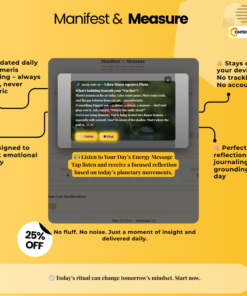
Manifestation Journal – Private, Offline, and Built for Consistency
Digital Tools & Utilities
Digital Tools & Utilities
Digital Tools & Utilities
Digital Tools & Utilities
Redaction PRO: PDF Redaction Tool for Offline PDF & Image Redaction
Reviews
There are no reviews yet.