



ScreenGrid – Screenshot Grid Maker & Photo Collage Tool

Original price was: $19.99.$9.99Current price is: $9.99.
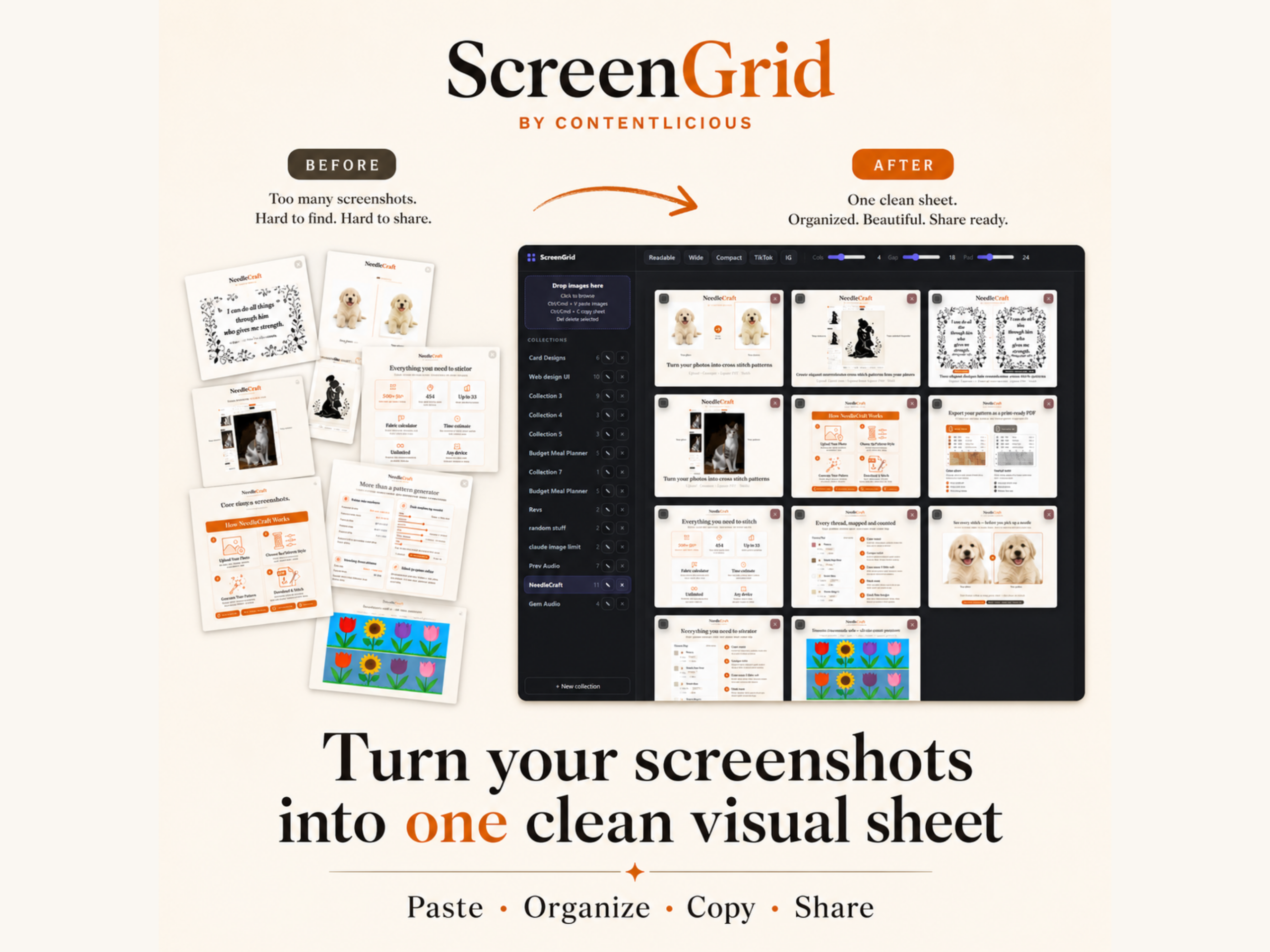
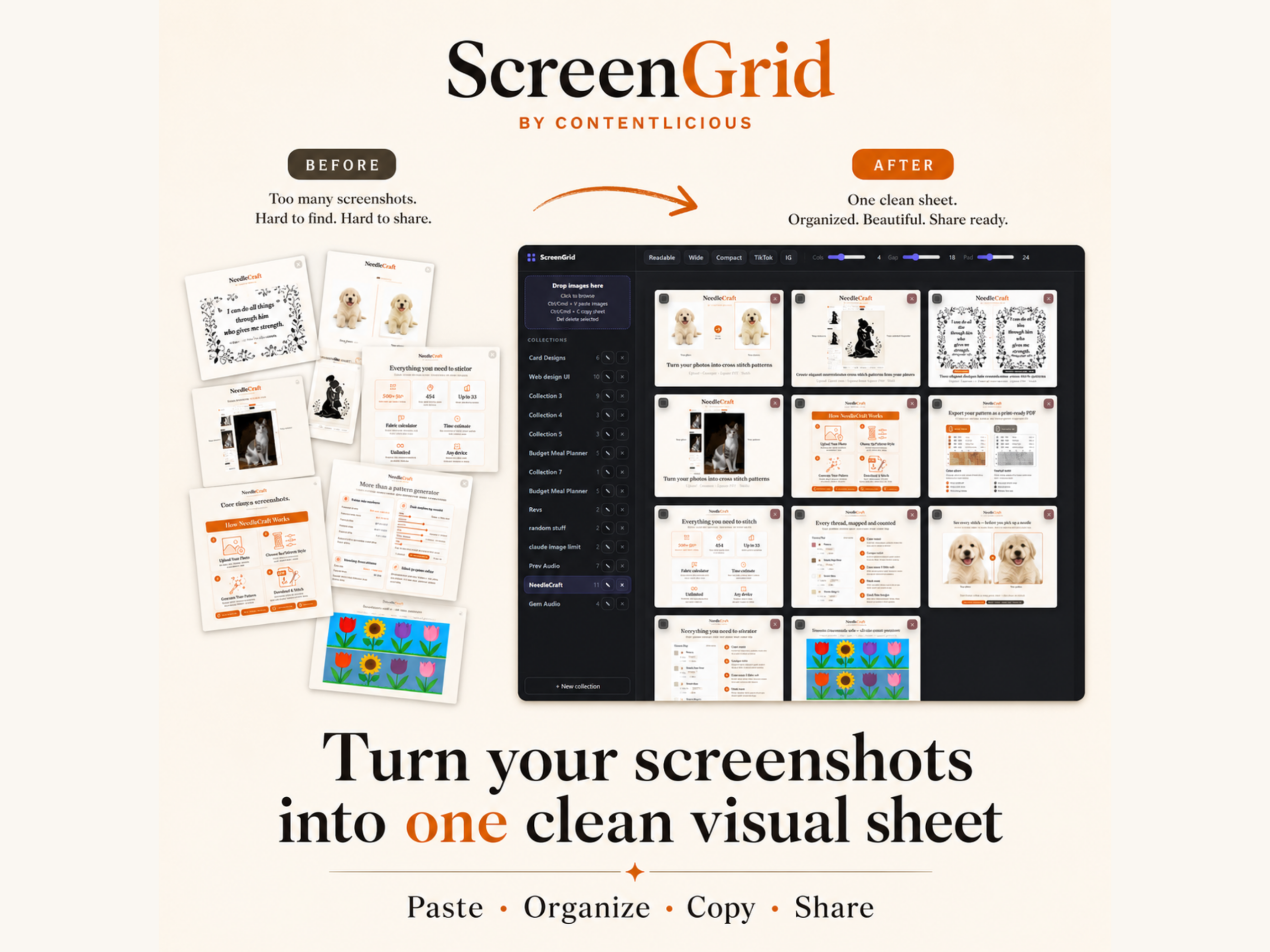
ScreenGrid turns a folder of screenshots into one clean, organized image you can copy or download in seconds. Built for anyone who needs to share, upload, or review a batch of screenshots without the clutter of sending them one by one.
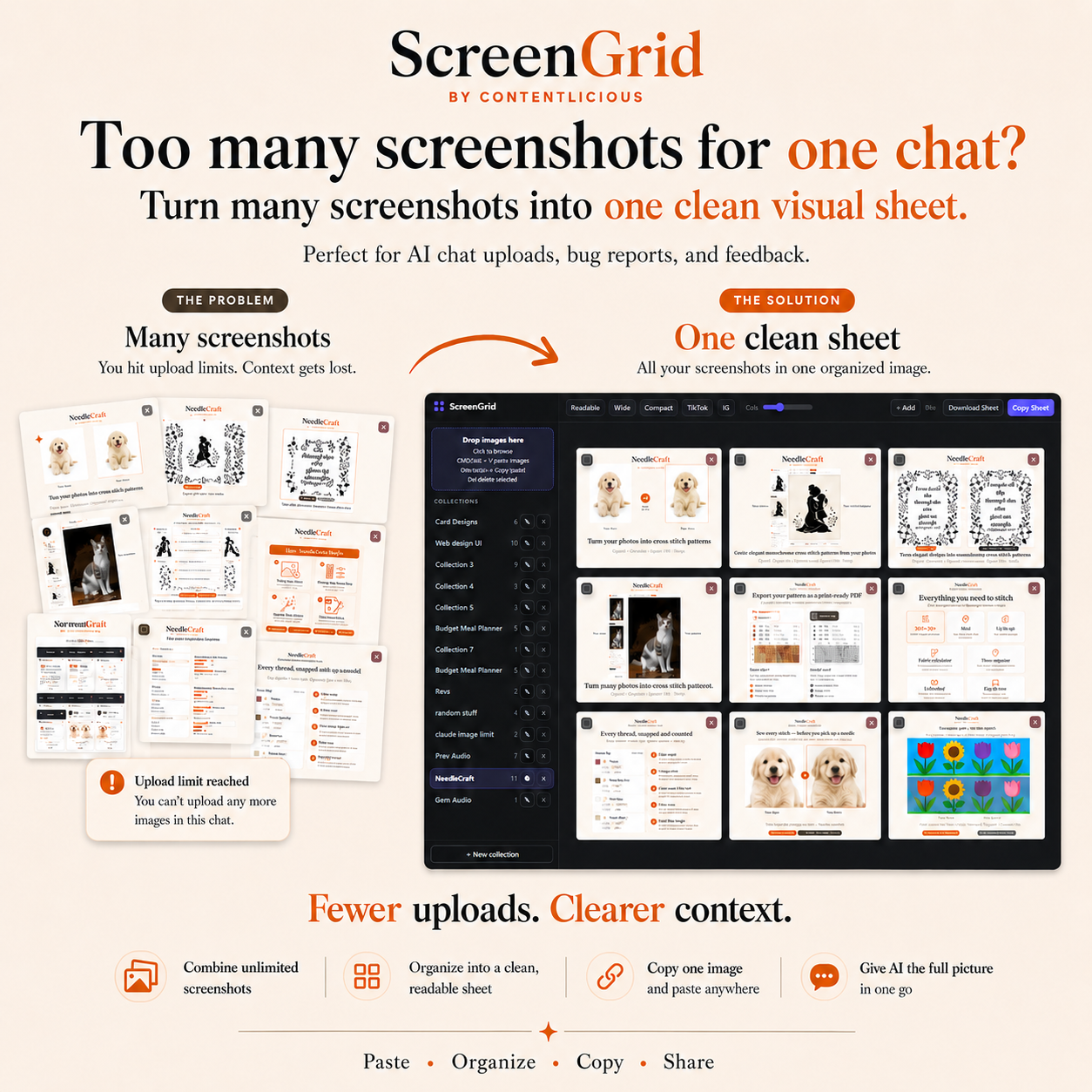
ScreenGrid – Screenshot Grid Maker & Photo Collage Tool is simply amazing! Ever hit an upload limit trying to send a batch of screenshots to an AI chat tool? Or spent ten minutes stacking screenshots into a document just so someone could see them all at once? ScreenGrid solves that in a few clicks.
Drop your screenshots into ScreenGrid, arrange them into a grid, and copy or download the finished sheet as a single image. It runs entirely in your browser, so nothing you upload ever leaves your device.
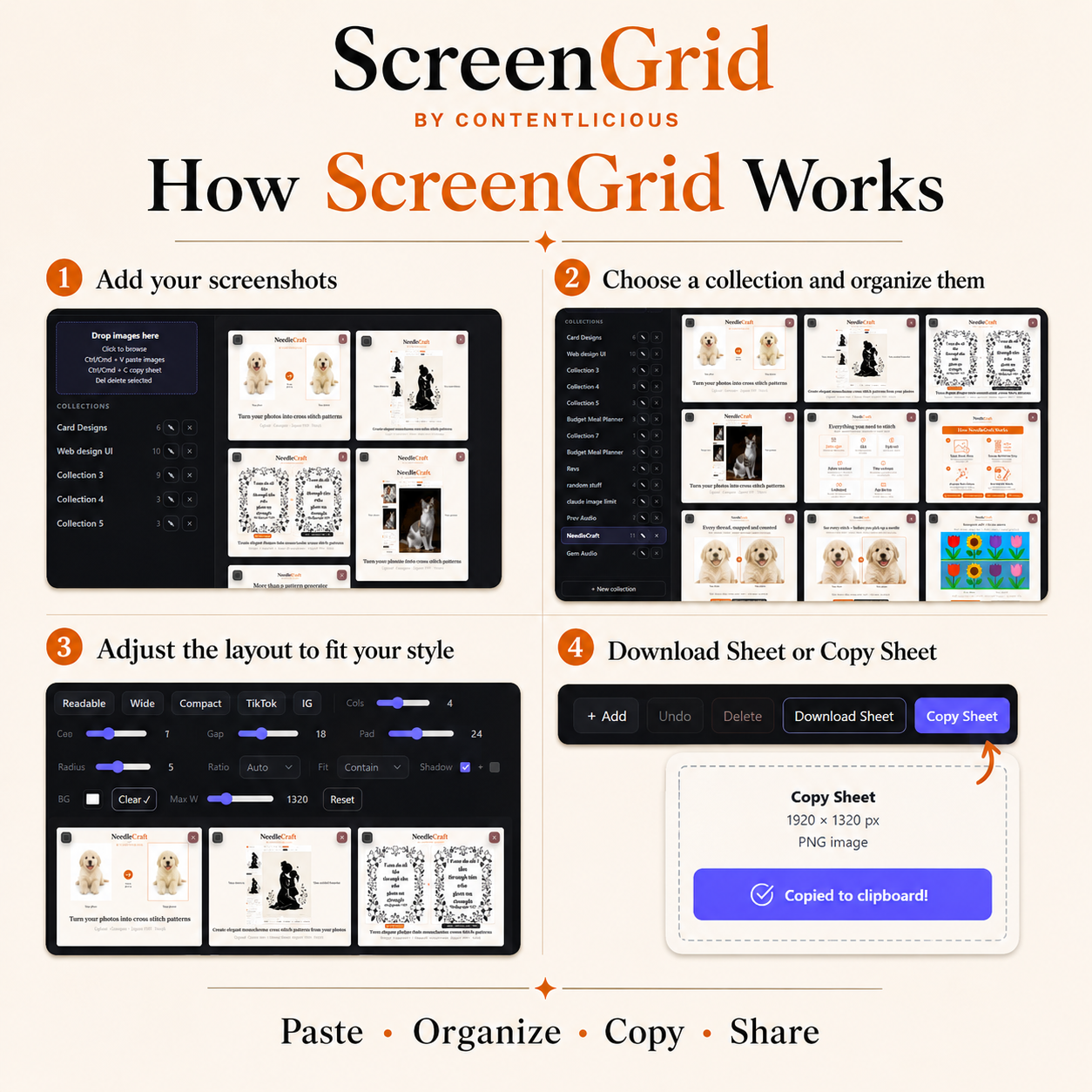
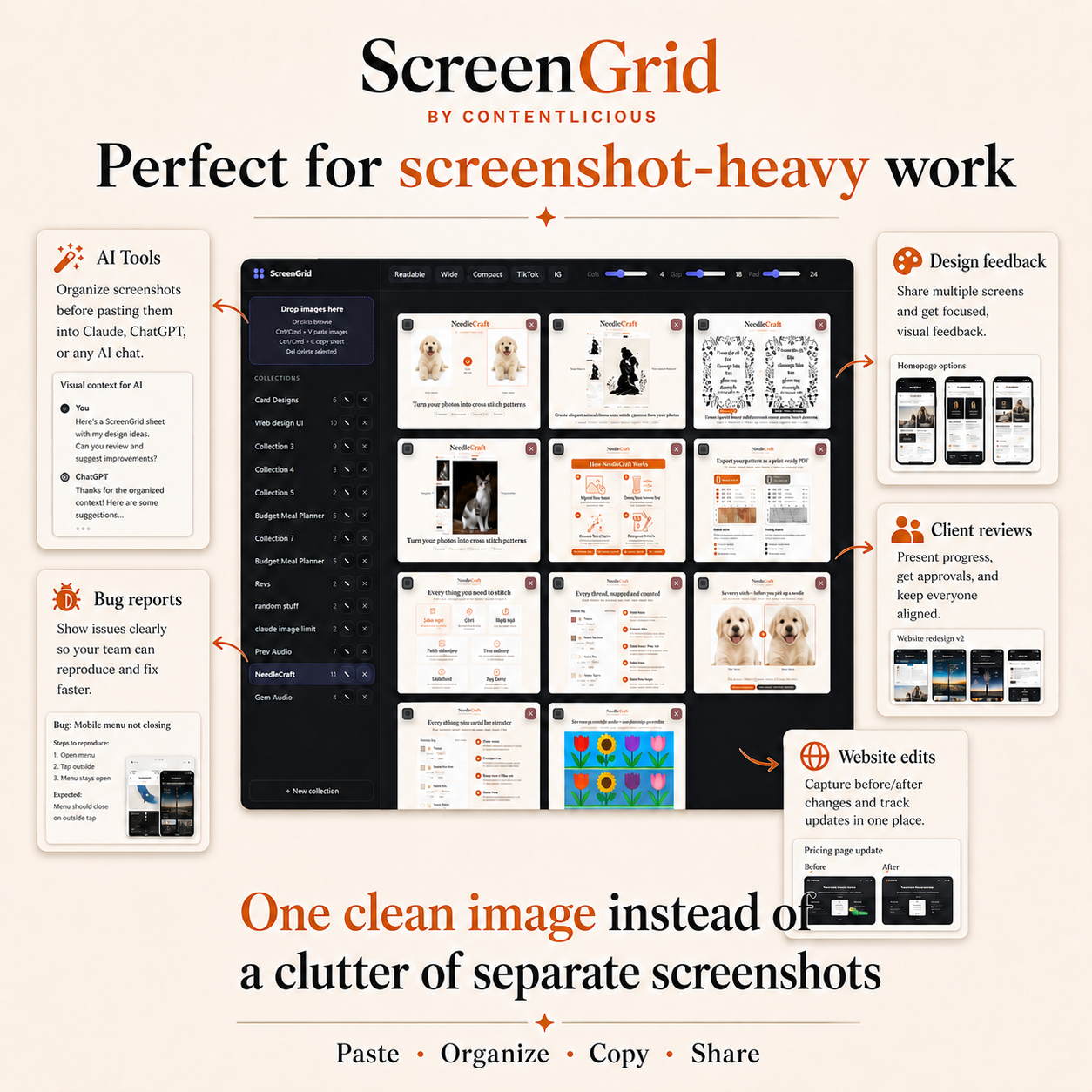
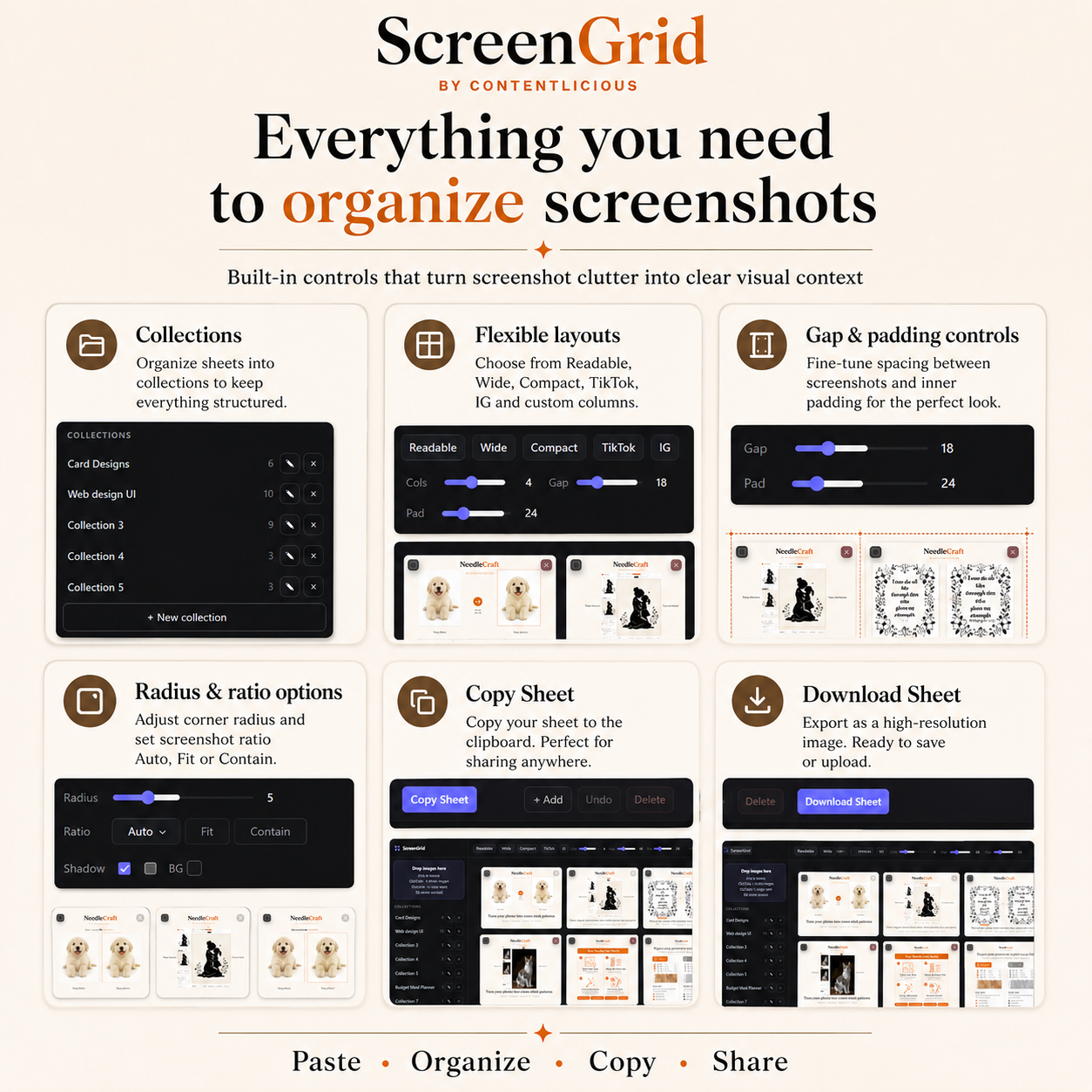
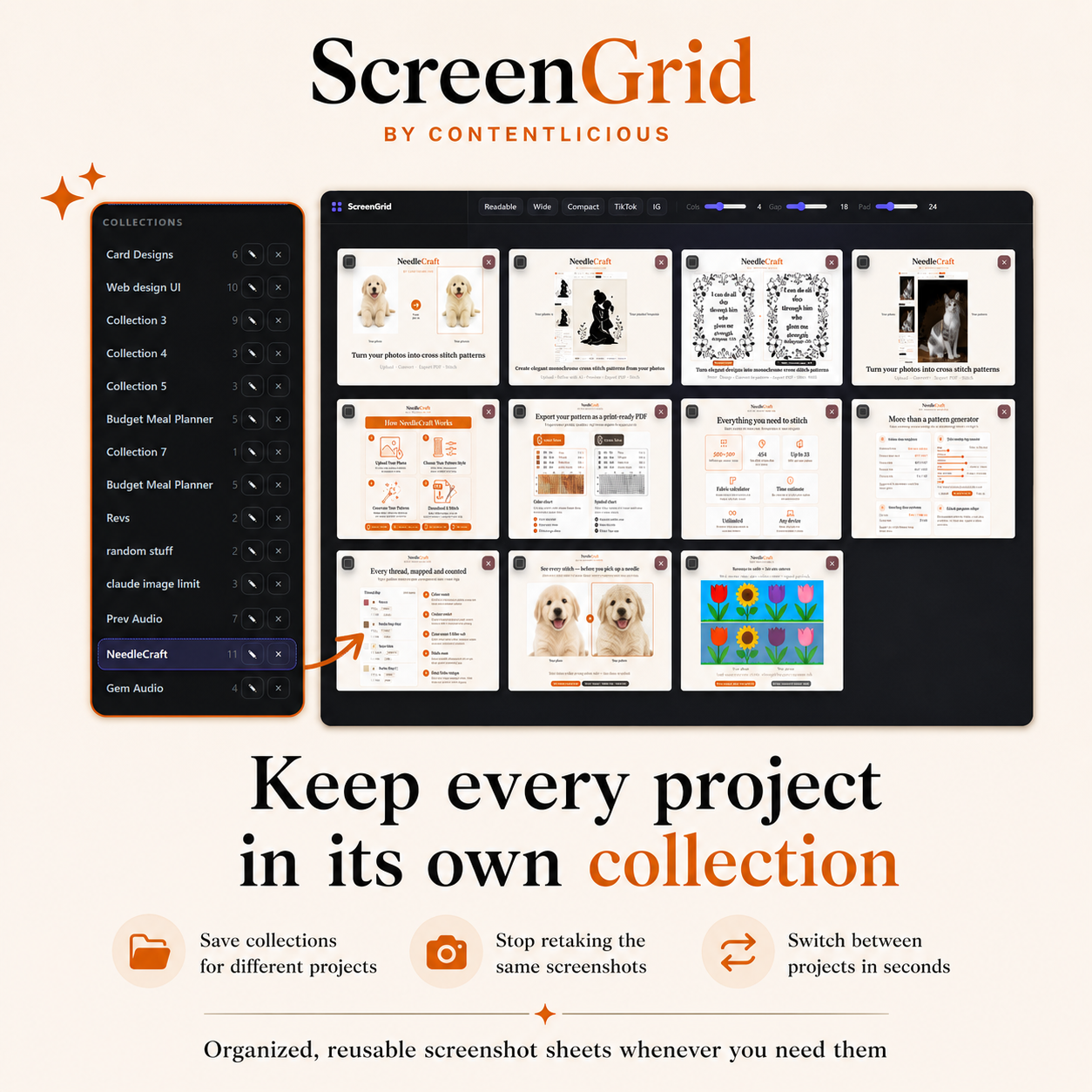

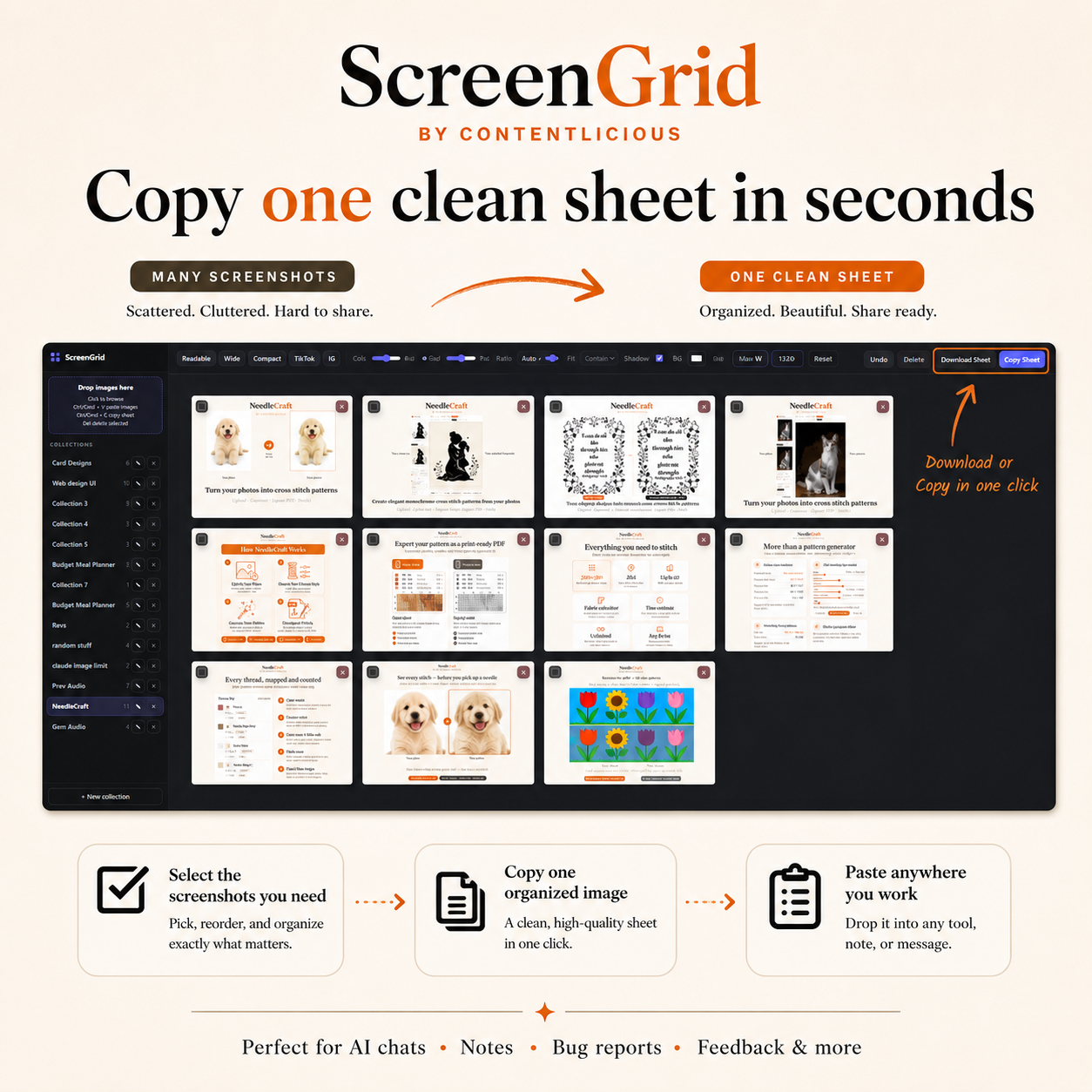

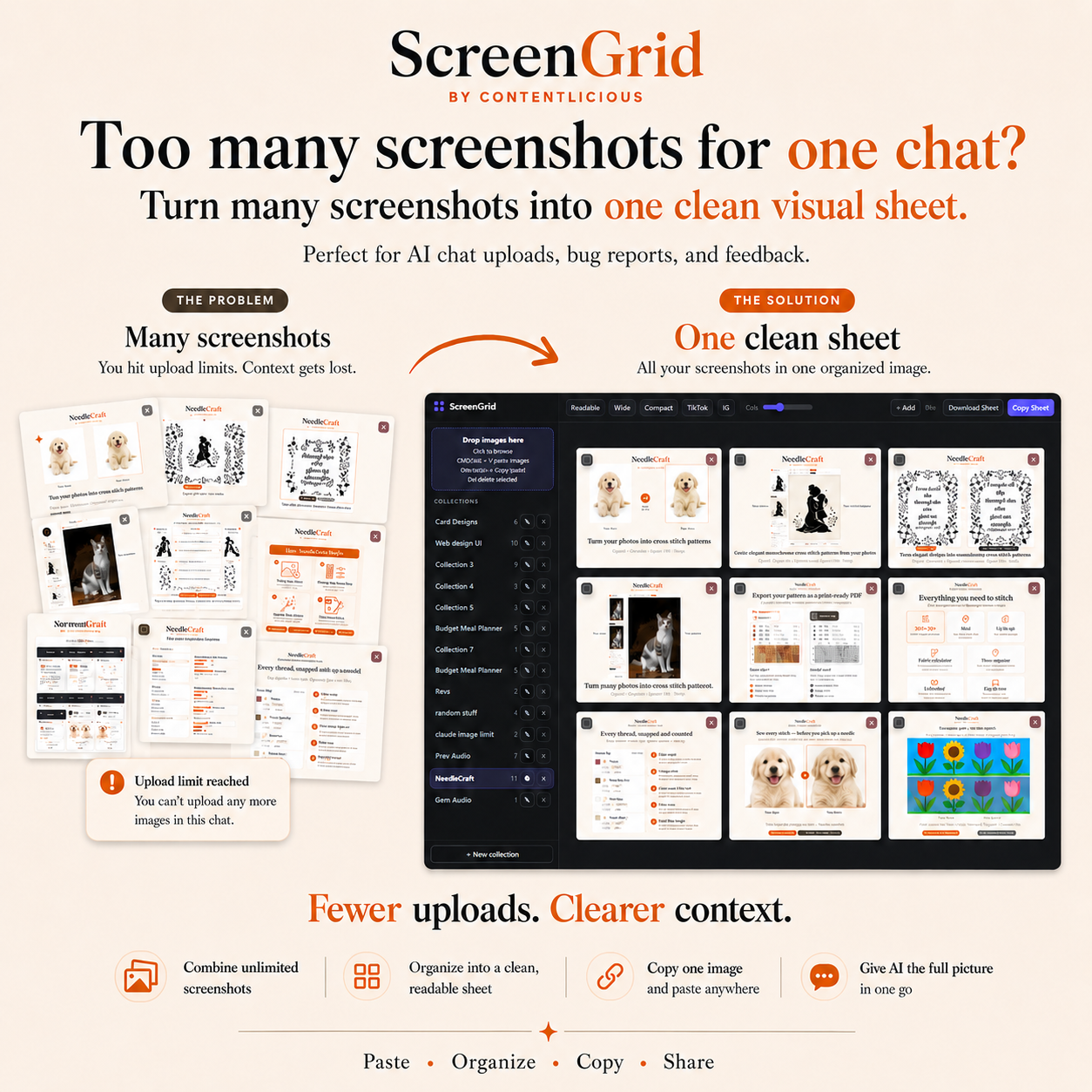
What you can do with it:
- Paste, drag and drop, or browse to add screenshots or photos
- Arrange images into a clean grid layout in seconds
- Copy the full sheet straight to your clipboard, ready to paste anywhere
- Download the sheet as a PNG whenever you need a saved copy
- Select just a few images to copy or download instead of the whole board
- Save multiple named collections for different projects
- Drag to reorder images, multi-select, range select, and undo changes
- Choose from layout presets like Readable, Wide, Compact, TikTok, and IG
- Control columns, spacing, padding, corner rounding, and max width
- Pick your aspect ratio: auto, 9:16, 3:4, 4:5, 1:1, 4:3, or 16:9
- Fit images with contain or cover mode
- Add optional shadows, numbering, and background color
- Your settings and collections are remembered between sessions
Who this is for:
Anyone who deals with screenshot-heavy work. AI chat uploads, bug reports, client feedback, documentation, research notes, or just cleaning up a messy folder before sharing it.
Privacy:
Your screenshots stay on your device. ScreenGrid processes and stores everything locally using your browser’s own storage. Nothing is uploaded by the tool itself.
How it works after purchase:
You’ll receive a license key and a link to the hosted web app. Activate the license on your device to unlock full access. ScreenGrid also supports install as a PWA, so you can add it to your desktop or phone home screen and open it like a regular app.
Be the first to review “ScreenGrid – Screenshot Grid Maker & Photo Collage Tool”
You must be logged in to post a review.
Related products

Digital Tools & Utilities
Manifestation Journal – Private, Offline, and Built for Consistency
Digital Tools & Utilities
Digital Tools & Utilities
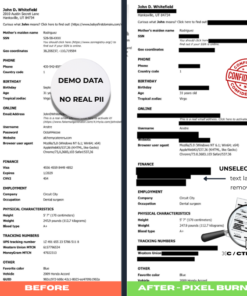
Redaction PRO: PDF Redaction Tool for Offline PDF & Image Redaction
Digital Tools & Utilities
Digital Tools & Utilities
Digital Tools & Utilities
Reviews
There are no reviews yet.